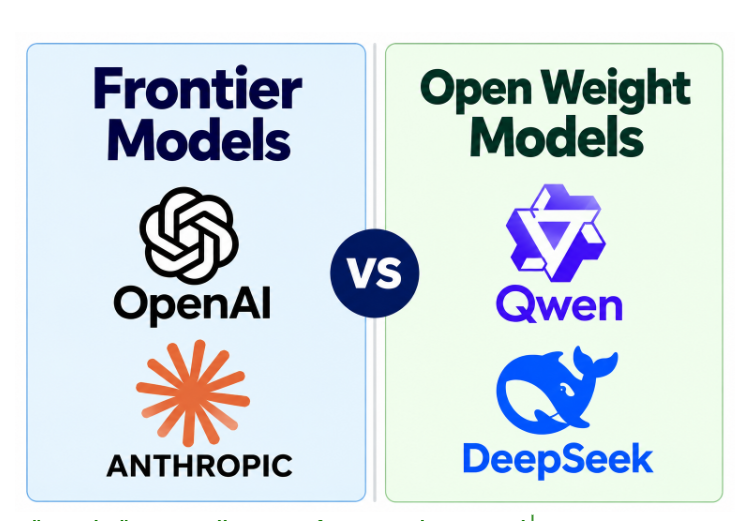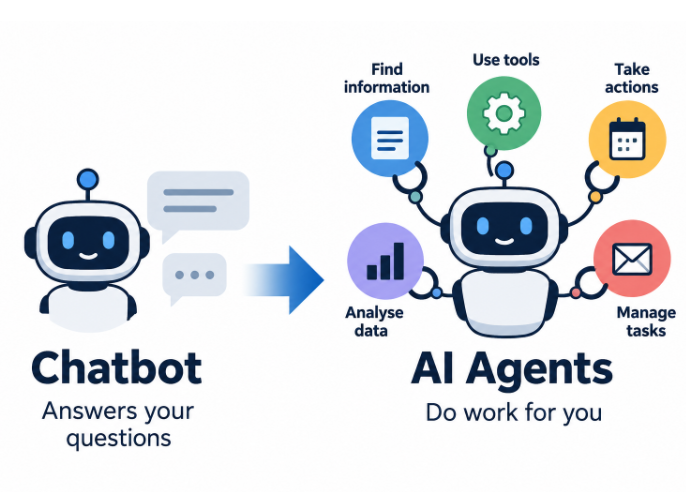
Start with the work, not the chip announcement. Do you want to search a private archive, classify public websites, draft reports, generate images or produce video? Those jobs require different models, and the models determine what hardware is sensible.
For a private document assistant, a compact open-weight language model may be enough. A larger model can improve some tasks but needs more working memory. Image and video generation have different demands, often needing GPU acceleration and considerable memory. Only after choosing candidate models should you compare computers.
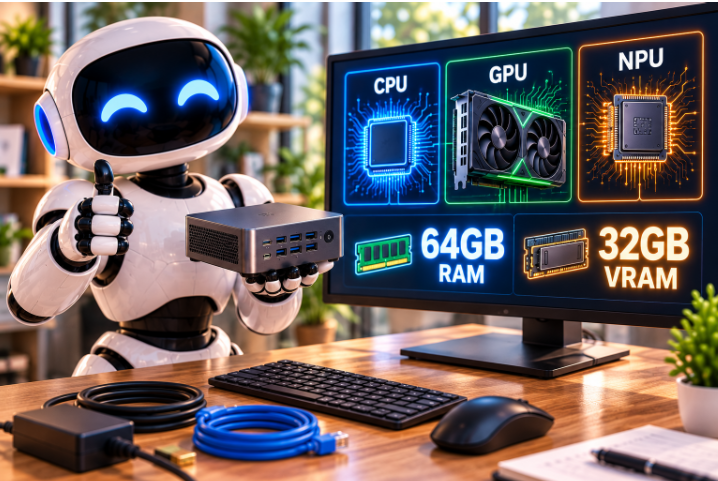
Newer processors combine general-purpose cores, integrated graphics and sometimes an NPU (Neural Processing Unit). Some mini PCs can run useful models without a separate graphics card. Their limits depend on software support, memory capacity and memory bandwidth, not simply a published AI performance figure.
Check upgradeability carefully. We generally prefer machines with replaceable RAM (Random Access Memory) rather than soldered memory, because model requirements and budgets change. Confirm the actual maximum supported capacity, available storage slots, cooling and external GPU options before purchase.
A small PC may be a sensible choice for daily local work. A rented GPU, such as through Runpod, may be better for occasional demanding video jobs. Neither choice is automatically cheaper without knowing how often it will be used.
Hardware specifications change quickly. Get expert support on the equipment you are considering. Planetary.Blue can help members avoid expensive compatibility mistakes.