Before buying a GPU (Graphics Processing Unit), allow for the learning curve. Setting up models, drivers, storage and backups takes time; troubleshooting can consume weekends. For a working consultancy, those hours and the equipment cost may be better spent on clients.
Start by identifying the need. A private assistant for reports may work on an existing PC. A mini PC with sufficient upgradeable memory may handle larger local models. Occasional image or video generation may justify renting a GPU on Runpod rather than owning one.
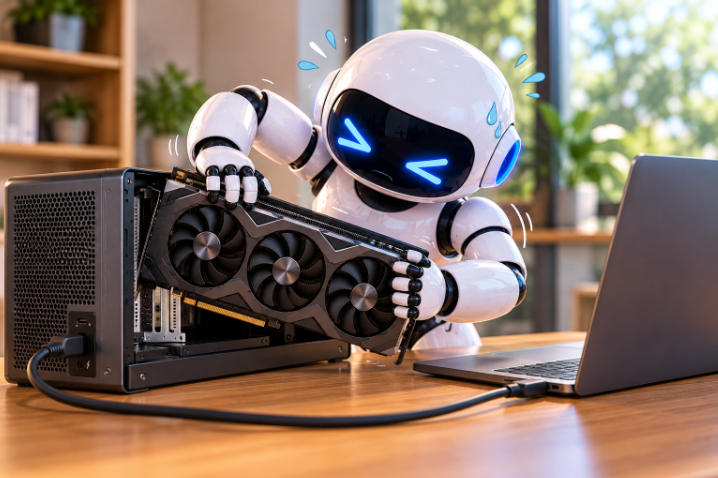
There are several hardware routes. An older used GPU may offer attractive memory capacity but can have driver, power and compatibility limitations. Integrated graphics use system memory, which can be economical but slower for some workloads. An external GPU (eGPU) can expand a compatible computer, although the connection and enclosure add cost. Shared memory is not automatically equivalent to dedicated video memory.
Do not buy on a specification sheet alone. Check the exact model, software support, memory needs, power requirements and expected workload. Avoid assuming a device can be upgraded later if its memory is soldered.
For members who enjoy experimenting, this can be rewarding. It is not a requirement for becoming AI-literate. A managed setup or short consultation may cost less than repeated purchases and failed installations.
Planetary.Blue can help evaluate a proposed PC, mini PC or rented-compute arrangement before you commit money.